
Extensions are stealing your data. Here's how to check them.
Hint: This resource takes less than one minute to check and is free!

It’s been a frigid one this week! I had to bust out my Tims knockoffs for the first time in years to mount some of the snow piles throughout the city. Even the dogs are eager to head back after just a few minutes.
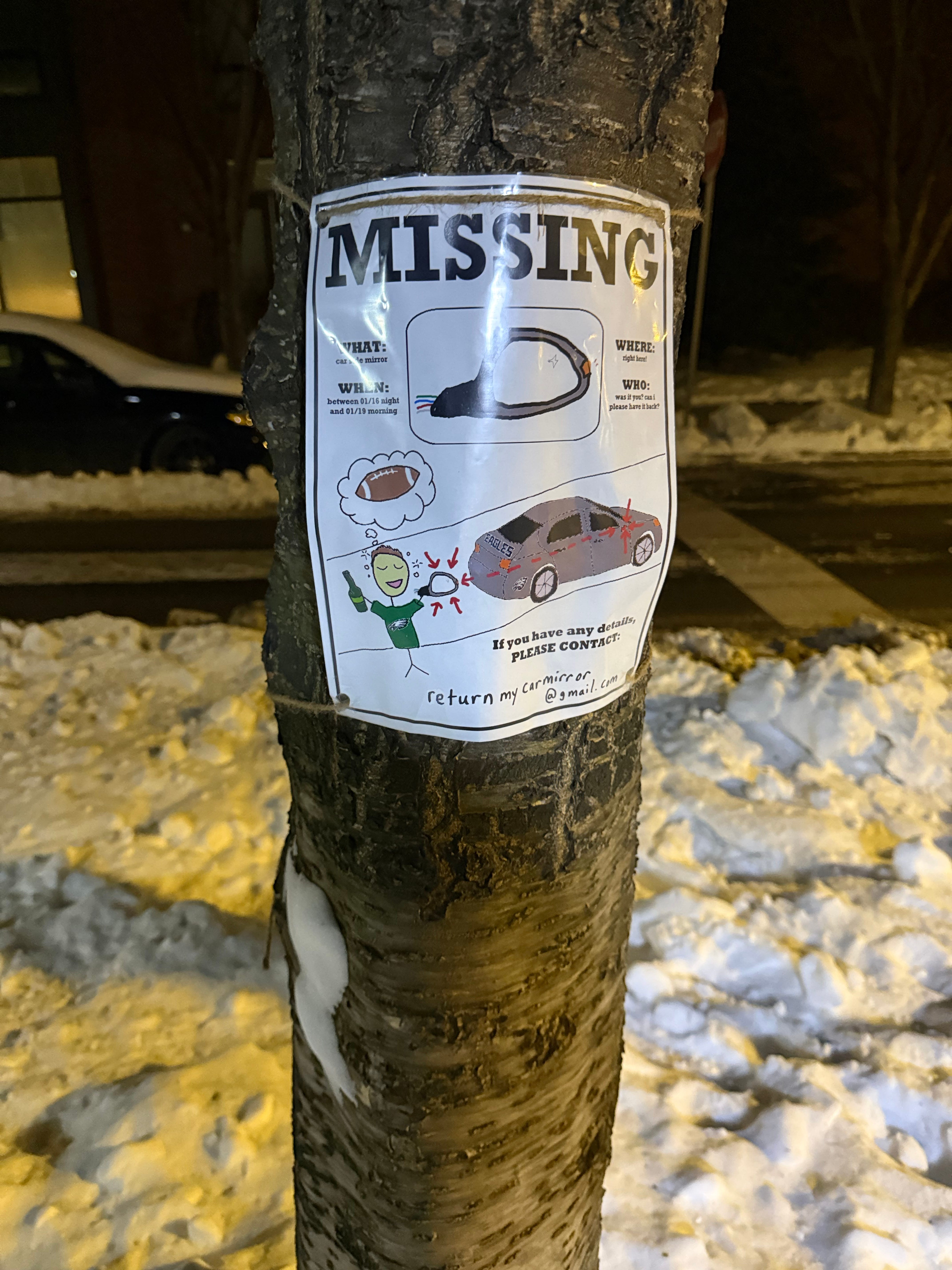
I was on a recent walk and then came across this sign. The ridiculousness of it was enough to warm me up. I hope this guy finds his side mirror, wherever it is.
As bothersome as the ice and snow are, they’re not nearly as dangerous as what I found in the Chrome Web Store this week.
Introducing Extend Safely
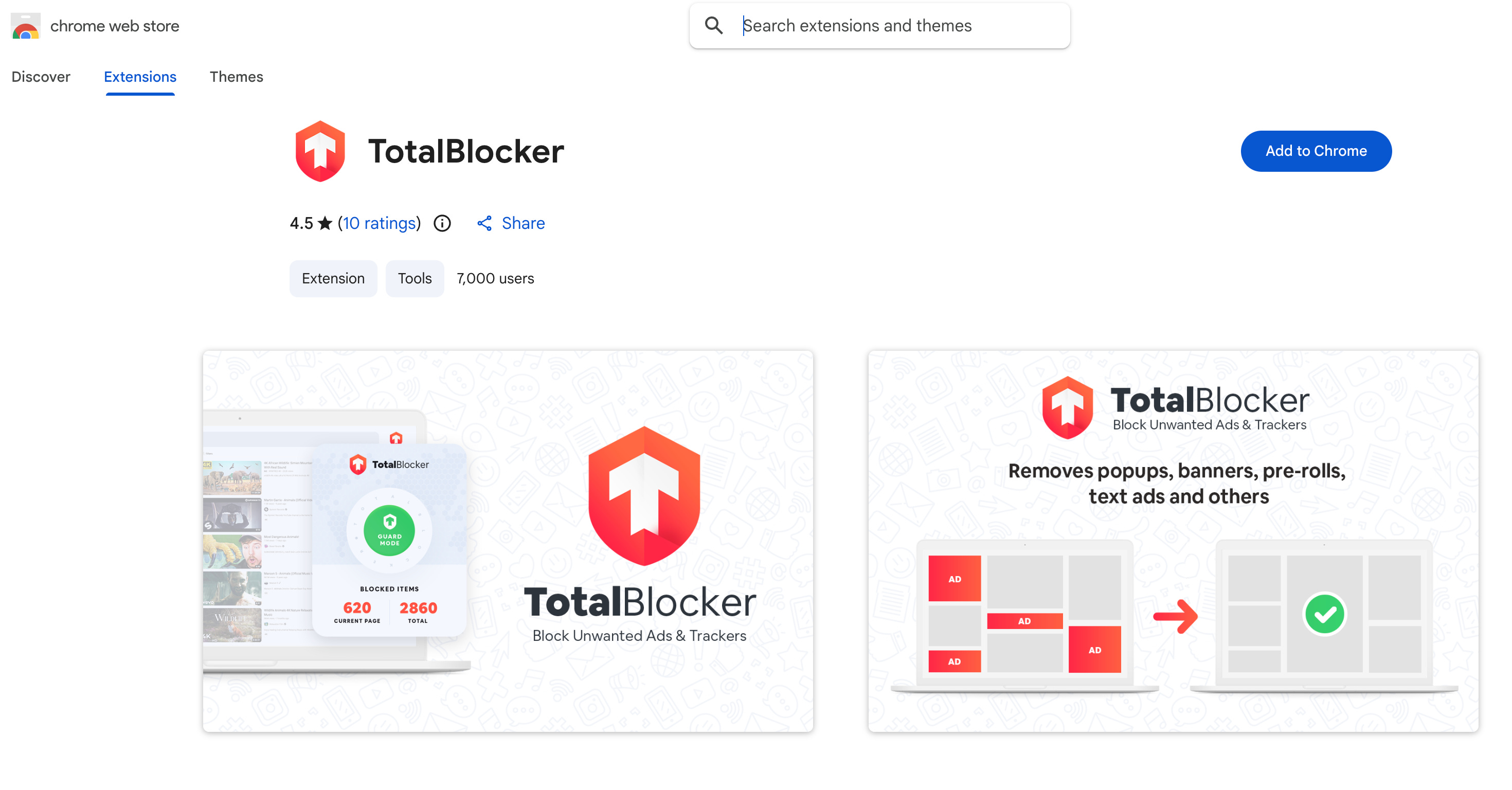
I came across this extension on the web store when I was looking for some to test with. Looks legit, right? Has professional graphics, good ratings, about 7k users. Promises to block ads. So let’s scan it.
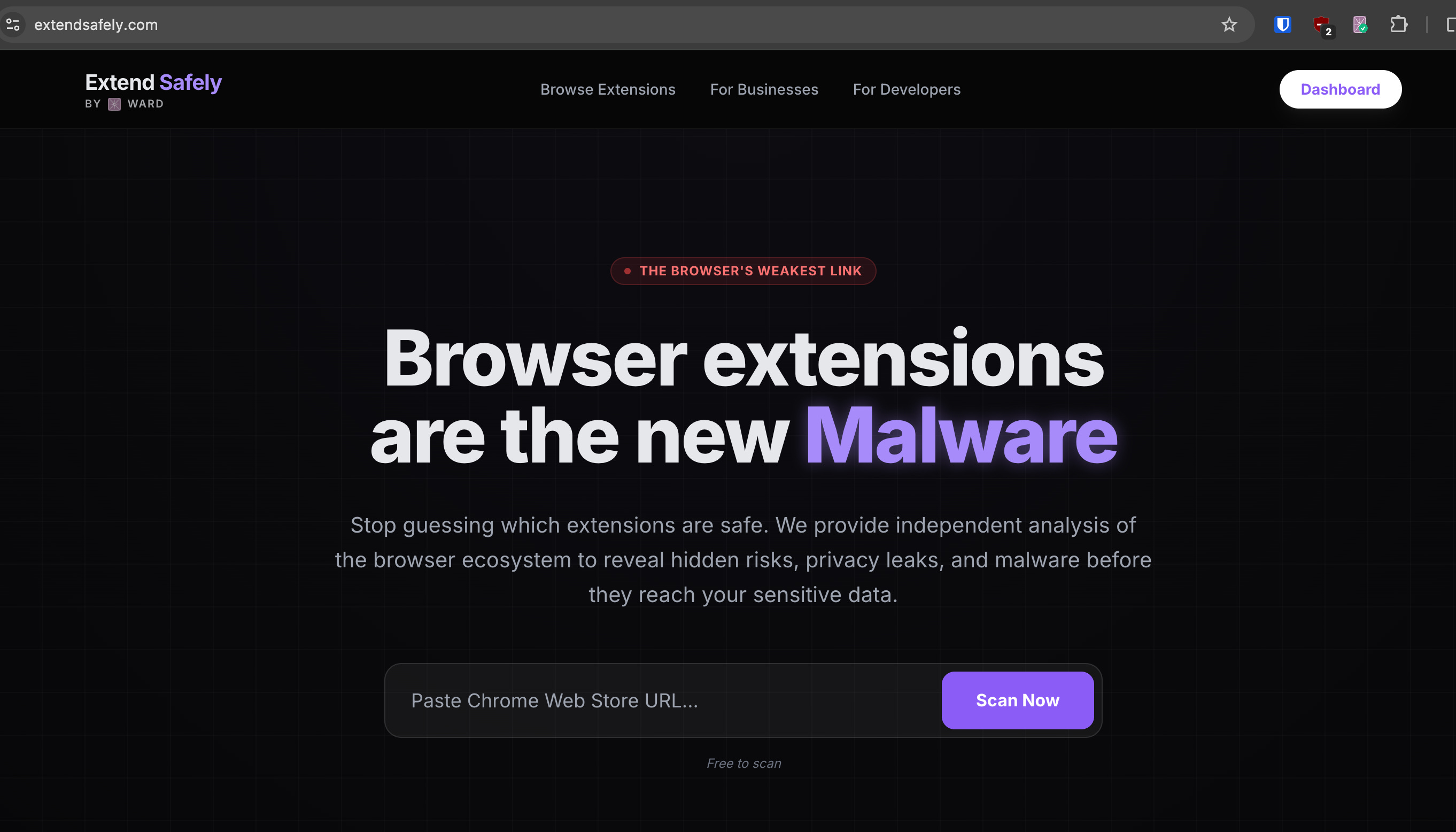
If we head on over to our site, there’s a free link to scan any extension by URL. Let’s put it in there and see what comes up.
Result
This this is complete and utter malware. It can execute any code it wants in your browser and exfiltrates all of your browsing history to the developer’s server. It’s like a digital stalker who knows all about your life and can control your browser.
I came across this completely by chance - by clicking on a random entry in the Web Store. Arguably, I’d say having this installed is worse than malware - malware at least can be scanned by an antivirus program!
Any unsuspecting user could install this, and bad actors could use this for stealing money from accounts, blackmail, etc., the list goes on and on.
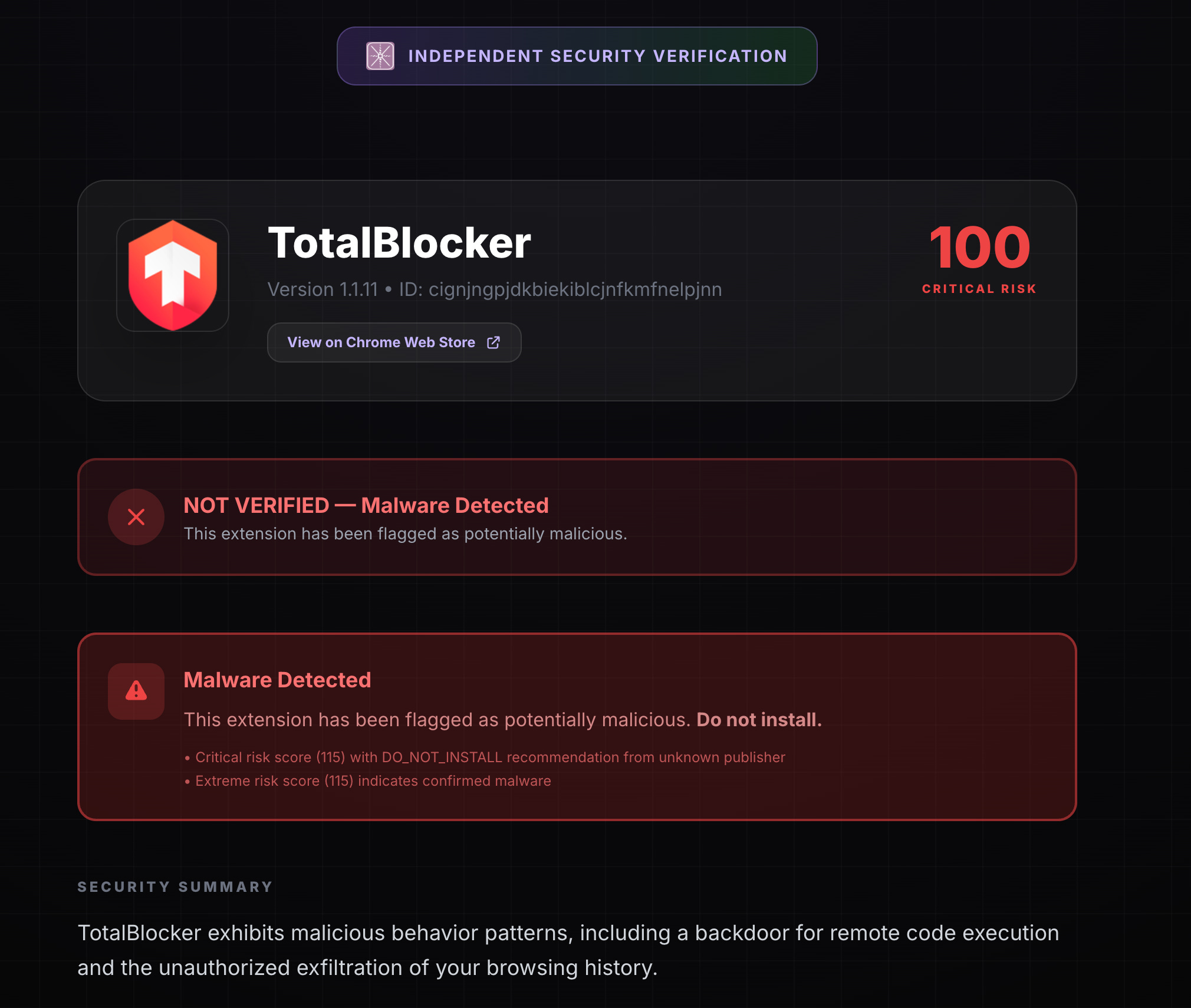
Link to the full report, if you’re curious: https://extendsafely.com/reports/?id=cignjngpjdkbiekiblcjnfkmfnelpjnn
Purpose
I built this as part of Ward to create a community trust platform for extensions. I found some of the existing tools out were basic - as in they scanned just the permissions it asked for - or they were paywalled, intended for enterprises.
I needed something more fine-grained for this to work for myself as well as reasonably as a risk engine. Extend Safely looks at not just the permissions, but:
The ‘Liar’ Detector: We check if their privacy policy matches what the code actually does.
The Paper Trail: We dig into the developer’s reputation so you don’t have to.
The Black Box: We track exactly where your data is being sent.
I even scanned the Ward extension and used it to help me improve transparency in the privacy policy (“dogfooding”)!
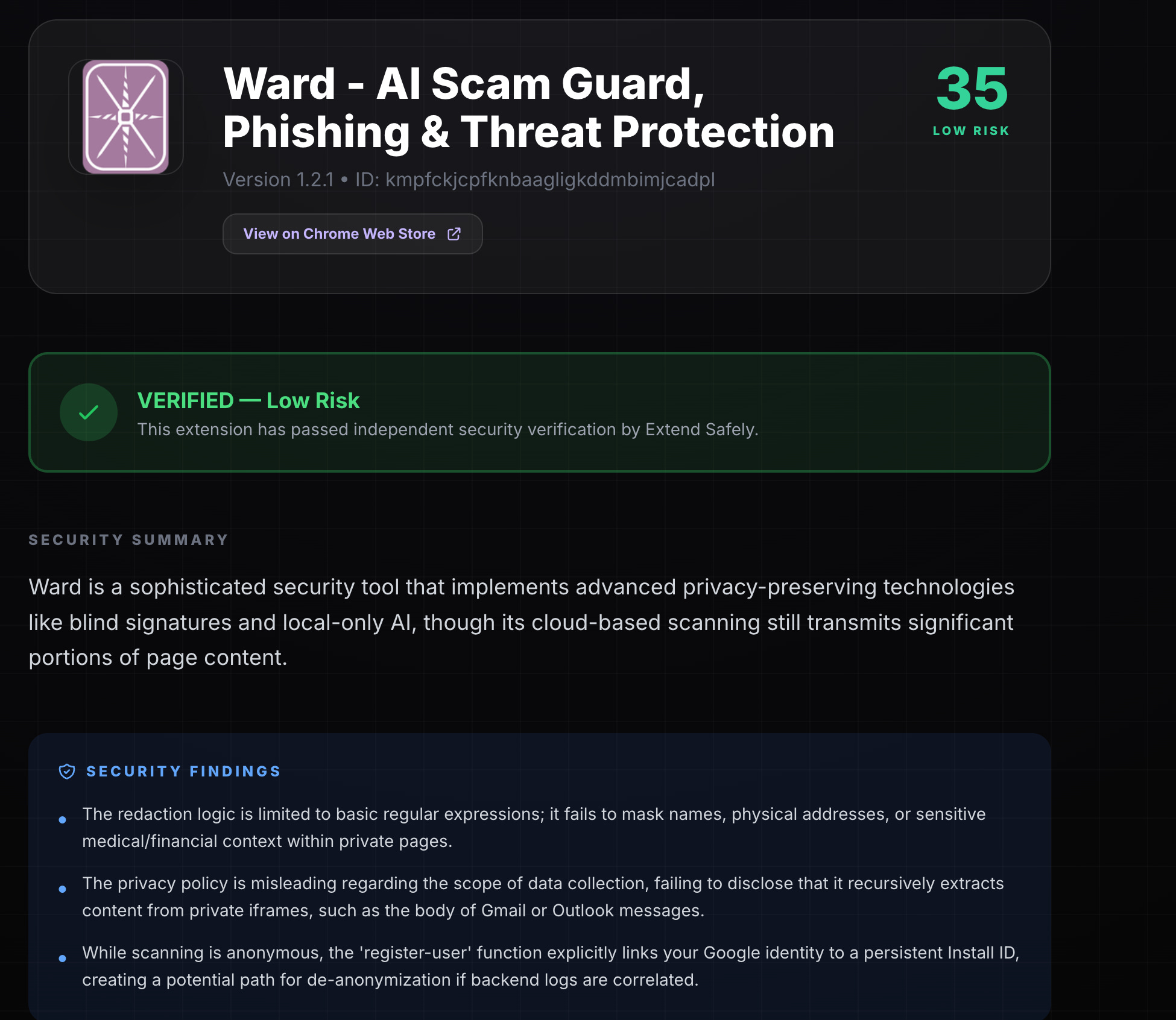
Here’s the link to the scan, for the curious: https://extendsafely.com/reports/?id=kmpfckjcpfknbaagligkddmbimjcadpl
Takeaway
Browser extensions are the new malware of the 2020s.
My hope is to continue to maintain this as a community resource as long as it remains cost effective to, and leverage these features natively in Ward. We can prevent people from installing malicious extensions that can steal their data.
In the meantime, if you have any doubts about extensions you want to install, head on over to extendsafely.com and scan them!
As always, stay safe and feel free to comment or email me with any feedback or questions! (cedric@tryward.app) What’s an extension you use every day but aren't quite sure about?
- Cedric